←
Using Apple Pencil with Digital Exhibit G
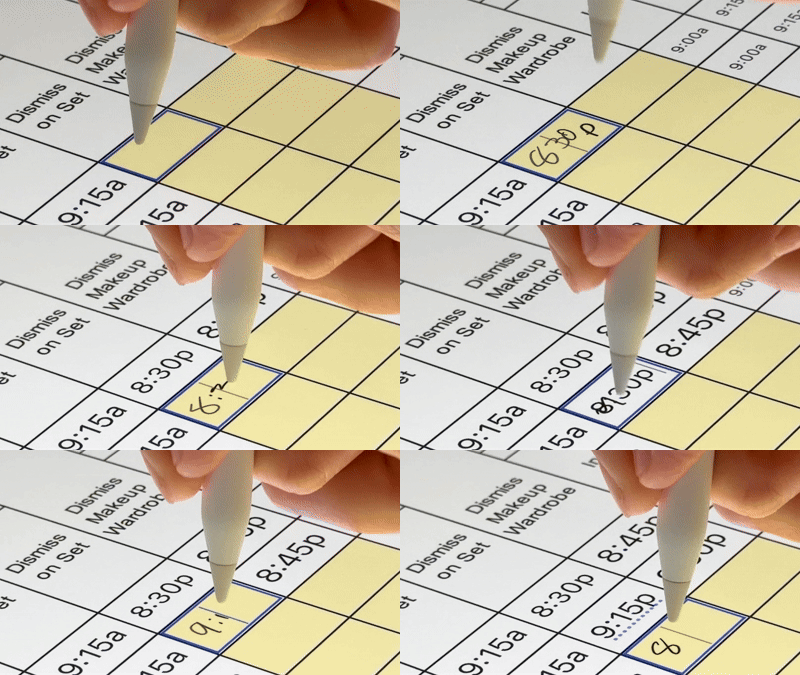
If handwriting is not converting to typed text in Digital Exhibit G, Scribble is likely turned off on your iPad. Follow these quick steps to enable it.
Turn On Scribble (Step by Step)
- Open the Settings app on your iPad.
- Scroll down and tap Apple Pencil.
- Find Scribble and turn it ON.
- Go back to Digital Exhibit G and tap any text field.
- Write in the field with Apple Pencil. Your handwriting should convert to typed text.
Quick Troubleshooting
- Confirm your Apple Pencil is connected and charged.
- Make sure your iPad model supports Apple Pencil and Scribble.
- If needed, toggle Scribble off, then on again in Settings > Apple Pencil.
- Restart Safari if text conversion still does not begin.